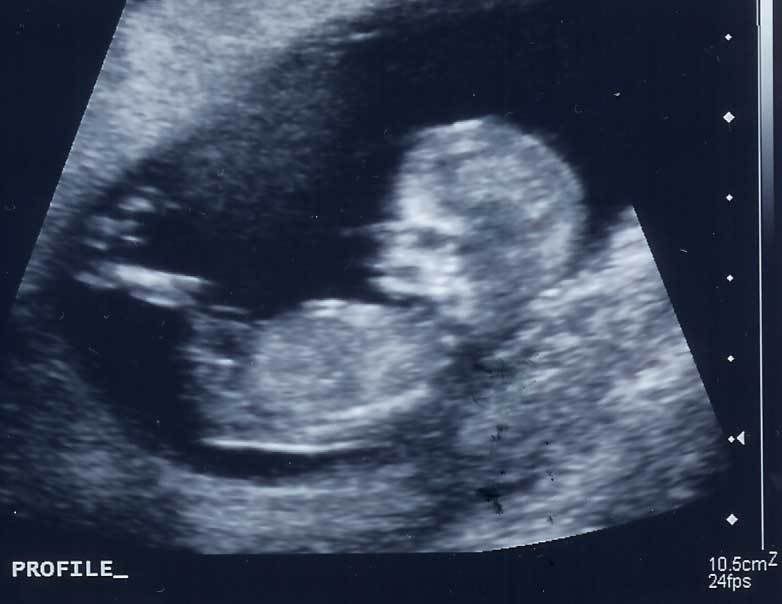
My little man is growing up. I really can't believe it. I remember when he was this small:
Look how cute he was! My little alien :) I love how he's just chillaxin' in this ultrasound picture.
Anyhow, this Wednesday he is graduating from Pre-K. WHAT? So that means Kindy in the fall. Bittersweet I tell ya! He is so ready. He bounces off the walls and drives me bonkers. He needs kindergarten. I need Kindergarten.
It's actually a PSD file that you download so you can add your own picture and text. I'm including a tutorial on how to do this in Photoshop if you aren't familiar with making a clipping mask. That sounds complicated. It's really easy. I promise.
Step 2. Open the file up in Photoshop
Step 3: Open up a photo of your graduate in Photoshop
Step 4: Drag and drop it onto the psd file you downloaded. It should be on top. If it's not on top press Ctrl and ] at the same time to bring it to the top.
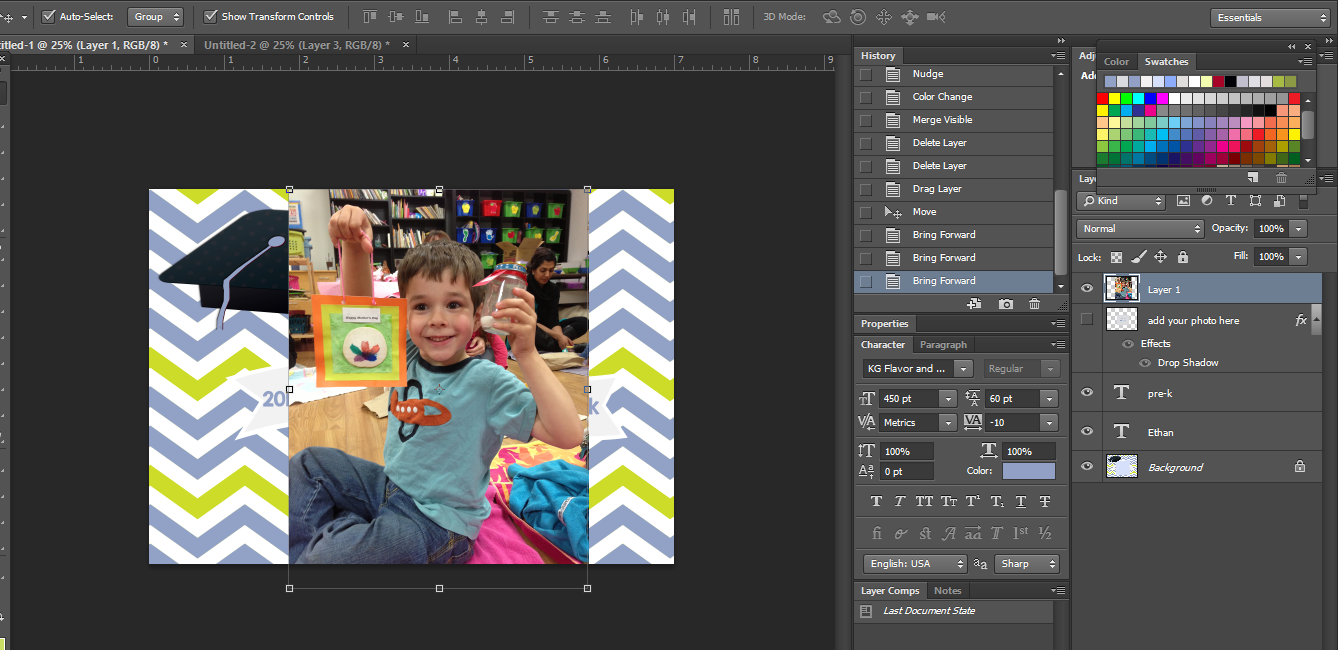
Step 4: Now the layer with the picture is on top of the layer of the frame. Hover between the two layers and press the alt button - then click. See the red X? Hover over that.
Step 5: Your picture is now clipped to the layer below. With your picture layer selected use the arrow tool to position and re-size it however you need. (See the little arrow pointing down to the layer below? That's a clipping mask!)
Step 6: Now all you need to do is change the text on the name and the "pre-K" portion. You may need to choose a different font. I used
KG Second Chances Solid if you are interested in downloading that.
Step 7: Save and print. DONE! Enjoy. Please share on Pinterest, Facebook and/or Twitter if you use my card. This card is for personal use only. Thank you!